
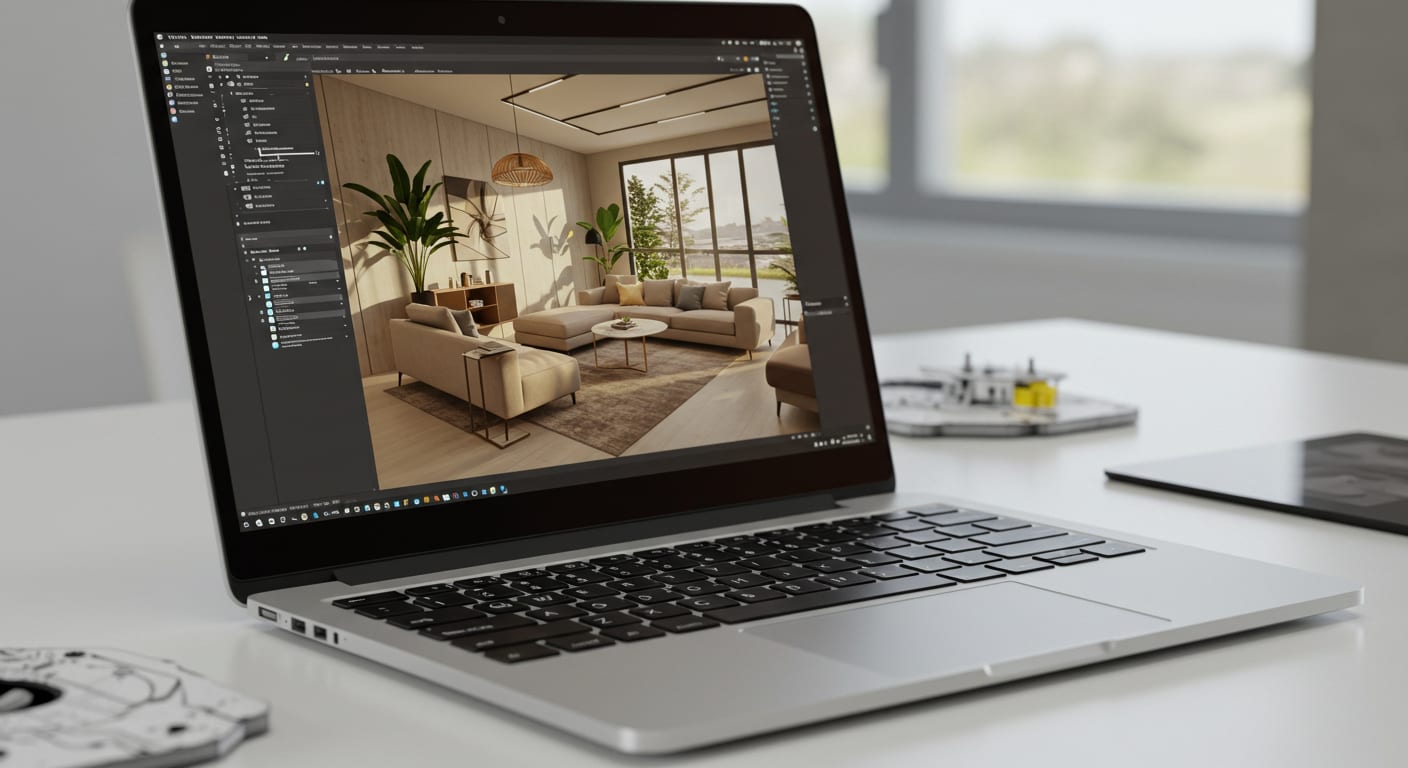
If you’re an interior designer, you already know your creativity needs the right tech to back it up.
Whether you’re creating 3D models, drafting floor plans, or rendering photorealistic spaces, your laptop needs to keep up without slowing down.
That’s why in this blogpost, we’re bringing you the top 7 laptops for interior design from budget-friendly picks to powerhouse machines. Let’s dive in.

If you’re looking for a laptop that’s stylish, powerful, and practical, the ASUS ZenBook 14 is a solid pick. It features a beautiful 14-inch NanoEdge display with a 92% screen-to-body ratio, giving you immersive visuals ideal for reviewing layouts or mood boards.
The IR camera supports facial recognition with Windows Hello, making login secure and seamless.
Under the hood, it’s powered by an efficient processor and enough RAM to handle interior design apps like SketchUp, AutoCAD, or Revit.
And thanks to ASUS BacGuard protection, it’s also built with hygiene in mind which is a thoughtful bonus.
This laptop strikes the right balance between price and performance, making it perfect for students or pros who want solid performance without breaking the bank.
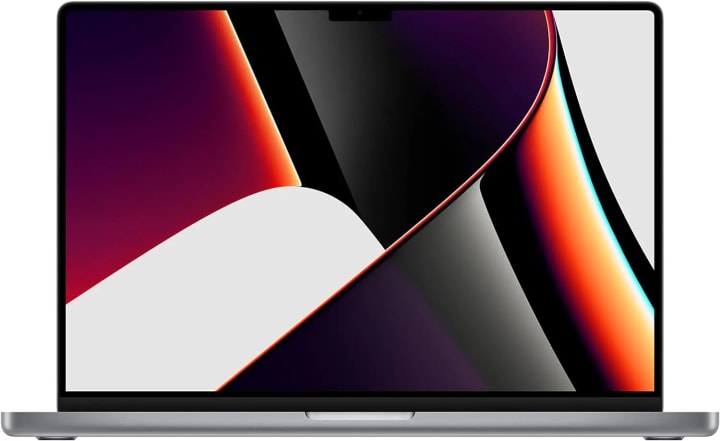
If you’re serious about design and need a laptop that can handle heavy 3D rendering, the MacBook Pro with M1 Pro or M1 Max chip is a game-changer.
It offers blazing-fast performance with up to a 10-core CPU and a 32-core GPU, making software like SketchUp, Twinmotion, and AutoCAD run buttery smooth.
The Retina XDR display is stunning giving you sharp, accurate visuals that help when fine-tuning every detail of your design. It also has one of the longest battery lives in the industry up to 21 hours so you can work all day without needing a charger.
And with up to 64GB unified memory and lightning-fast SSD storage, you’ll never have to worry about slowdowns.
It’s pricey, yes but it’s an investment that’ll pay off if you’re serious about your craft.
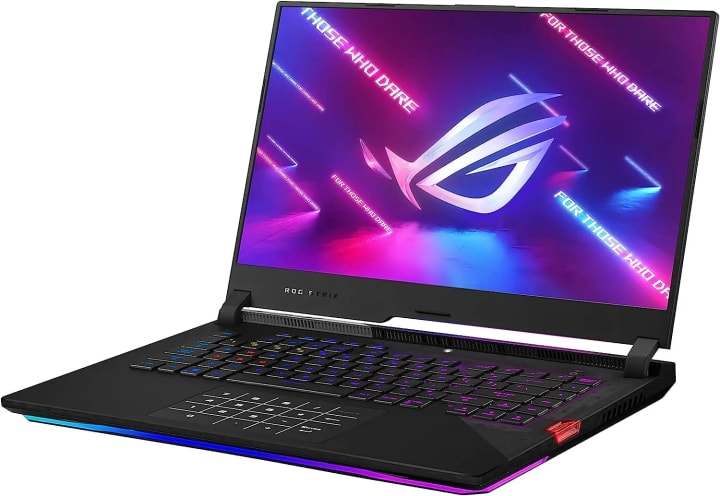
Although it’s built for gamers, the ASUS ROG Strix Scar 15 is an absolute beast for interior design work. Powered by Intel’s Core i9 processor and an NVIDIA RTX 3070 Ti GPU, it’s perfect for rendering complex 3D environments or handling high-resolution walkthroughs.
The 15.6-inch display runs at 300Hz, which might be overkill for design, but it ensures fluid visuals and zero lag.
What sets this laptop apart is the intelligent cooling system using liquid metal and Arc Flow fans so it stays cool even under heavy workloads.
Plus, the MUX Switch gives you direct GPU communication for faster performance. With 1TB of SSD storage and 16GB of DDR5 RAM, multitasking is seamless.
If you work with Unreal Engine or Lumion for your interior designs, this machine is a no-compromise option.
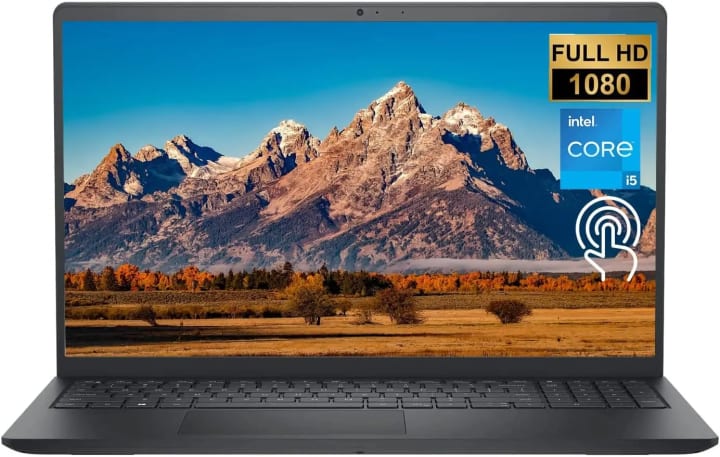
If you’re on a tighter budget but still want a capable laptop for interior design tools, the Dell Inspiron 3511 is worth a look.
It comes with an Intel Core i5 processor, 32GB of RAM, and a spacious 1TB SSD more than enough power for running applications like AutoCAD, SketchUp, or Photoshop.
The 15.6-inch touchscreen display makes it easier to navigate your design tools, and it has narrow bezels that give it a modern look.
Windows 11 adds a smooth and productive workflow, and multiple USB ports give you flexibility for connecting external devices.
While the graphics aren’t high-end, the integrated Intel Iris Xe performs well for basic to mid-level design tasks.
This is a solid entry-level option for students or professionals just getting started in the field.
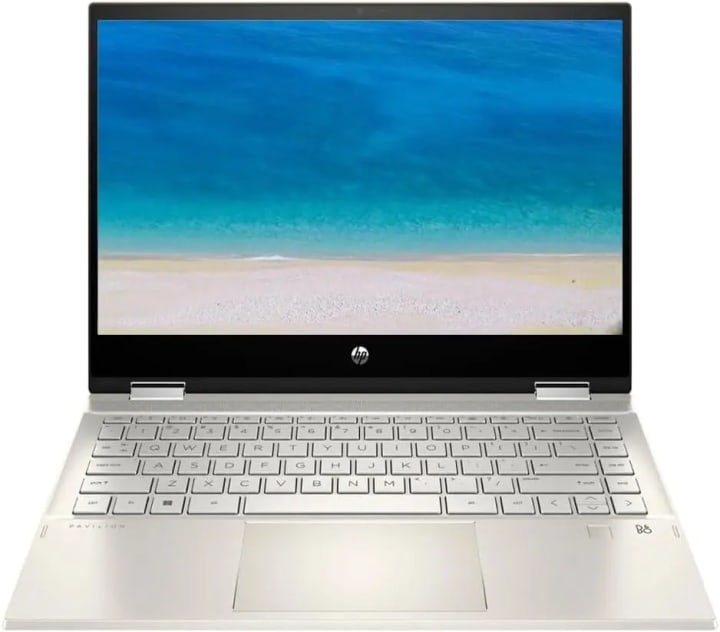
If you love flexibility and want a 2-in-1 laptop that you can use in tablet mode, the HP Pavilion x360 is an excellent choice.
Its 14-inch Full HD IPS touchscreen makes sketching and navigation super intuitive, especially when you pair it with a stylus.
It’s powered by an 11th-gen Intel Core i5 processor and 8GB of RAM, so it handles day-to-day design tasks smoothly.
The Intel Iris Xe graphics also provide a good visual punch for lighter 3D rendering. One standout feature is the fingerprint reader, making login secure and fast.
Plus, it’s lightweight, portable, and stylish great if you work on the go or like to present designs directly to clients.
This convertible laptop strikes a great balance between creative flexibility and performance.

If you’re looking for a very affordable laptop to handle the basics of interior design software, the Acer Aspire 5 could be your best bet.
It’s powered by an AMD Ryzen 3 processor with up to 3.5GHz speeds, giving you reliable performance for tools like AutoCAD LT or Photoshop.
The 15.6-inch Full HD display has narrow bezels and a sharp visual output, making it suitable for basic modeling and editing. You also get a backlit keyboard and a fingerprint reader uncommon at this price.
With 4GB of RAM and 128GB SSD, it’s not a powerhouse, but it’s upgradeable and performs well for lighter design needs.
This is ideal for beginners or students who want to dip their toes into the field without spending too much upfront.
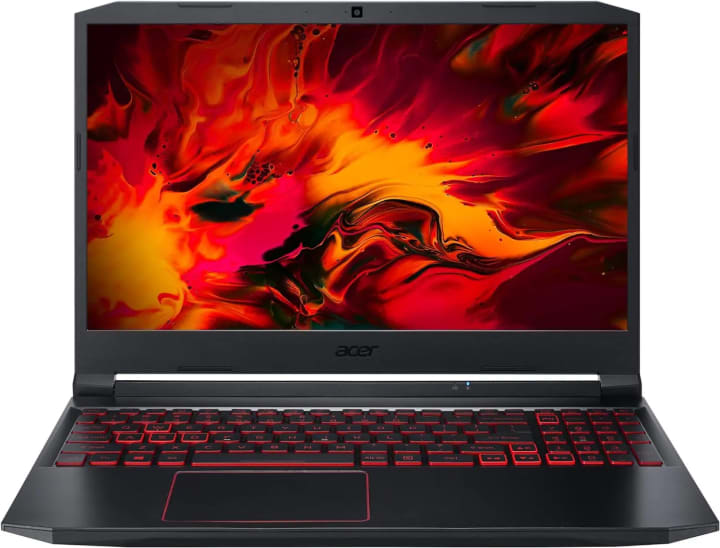
The Acer Nitro 5 is built like a tank and offers serious specs for those needing a reliable, durable machine for demanding workloads.
Powered by a 10th Gen Intel Core i5 and an NVIDIA GTX 1650 Ti GPU, it handles heavy rendering and design projects with ease.
The 15.6-inch IPS display features a 144Hz refresh rate, giving you smooth visuals especially helpful for 3D walkthroughs or animation previews. You also get 8GB of DDR4 RAM, 256GB SSD, and expansion options for future upgrades.
With Wi-Fi 6, Killer Ethernet, and a backlit keyboard, it’s loaded with features usually found in high-end machines.
If you’re working long hours on large projects and want durability plus power, this is a dependable choice.
Conclusion:
Interior design is all about creativity, precision, and presentation and the right laptop can make all the difference.
Whether you’re looking for high-end power, 2-in-1 flexibility, or budget-friendly value, there’s something in this list for everyone. Choose what matches your workflow and your future projects will thank you.
link